
NaviLens: accessible navigation for vision impairment
A phone reads a NaviLens marker from several metres away, off-axis and on the move, which is exactly why it works where a QR code never could.
NaviLens is a smartphone-readable marker for people with sight loss: a high-contrast grid of coloured squares that a phone camera detects from several metres away, well off to one side, and while the user is walking, without them having to know the marker is there. The free NaviLens app then speaks the sign's content aloud in the phone's own language, together with the distance and direction to it.
Not having to know the marker is there: that's the whole innovation. Every code-based signage idea before it assumed a user who could see the code, walk to it and aim a camera at it. For a blind or severely sight-impaired person that's circular. You can't scan the sign that tells you where you are, because finding it was the difficulty in the first place. We specify accessible signage for hospitals, campuses and civic buildings as a matter of course, and this is the first digital layer we've seen that answers a navigation problem rather than inventing one.
You cannot scan the sign that tells you where you are.
The marker is a lattice of coloured cells on a black field, developed in Spain by Neosistec with the mobile vision research group at the University of Alicante. Colour carries far more information per unit of area than the black-and-white cells of a QR code, so the tag survives being small, blurred, dimly lit or heavily skewed in the frame. The app keeps the camera running, so the phone does the searching and the user doesn't have to.
- Read distance. The developer publishes roughly twelve times the marker's own width, so about 12 m for a 20 cm tag. A QR code that size generally wants the reader inside a metre.
- Angle. Detection out to roughly 160°, so a marker still reads when it's off to your side.
- Speed. Decoded in a fraction of a second from a moving camera, with no focusing, no framing and no steady hand.
- Output. Speech via VoiceOver or TalkBack plus haptic feedback, with the content served in whichever language the phone is set to.
- Cost to the user: none. The accessibility app and the general-audience version, NaviLens GO, are both free downloads.
Worth saying plainly: NaviLens isn't app-free. It needs an app, though a free one, and the same app works in every building that has put markers up. That portability is the point. A bespoke building app, found and downloaded at the door, helps almost nobody.
QR codes have a real place: a menu, a floor plan, a booking page for somebody who can already see the poster. As an accessibility measure they fail for two reasons. First, the search. A code that has to be found and squared up before it reads is useless to the person most likely to need it. Second, what comes out the other end. A QR code yields a URL, and the page behind it is rarely built for a screen reader, rarely short, and rarely an answer to "where am I and which way now?". Content authored for speech is a different discipline: a location, a direction and a distance, in that order.
It is an addition, never a substitute
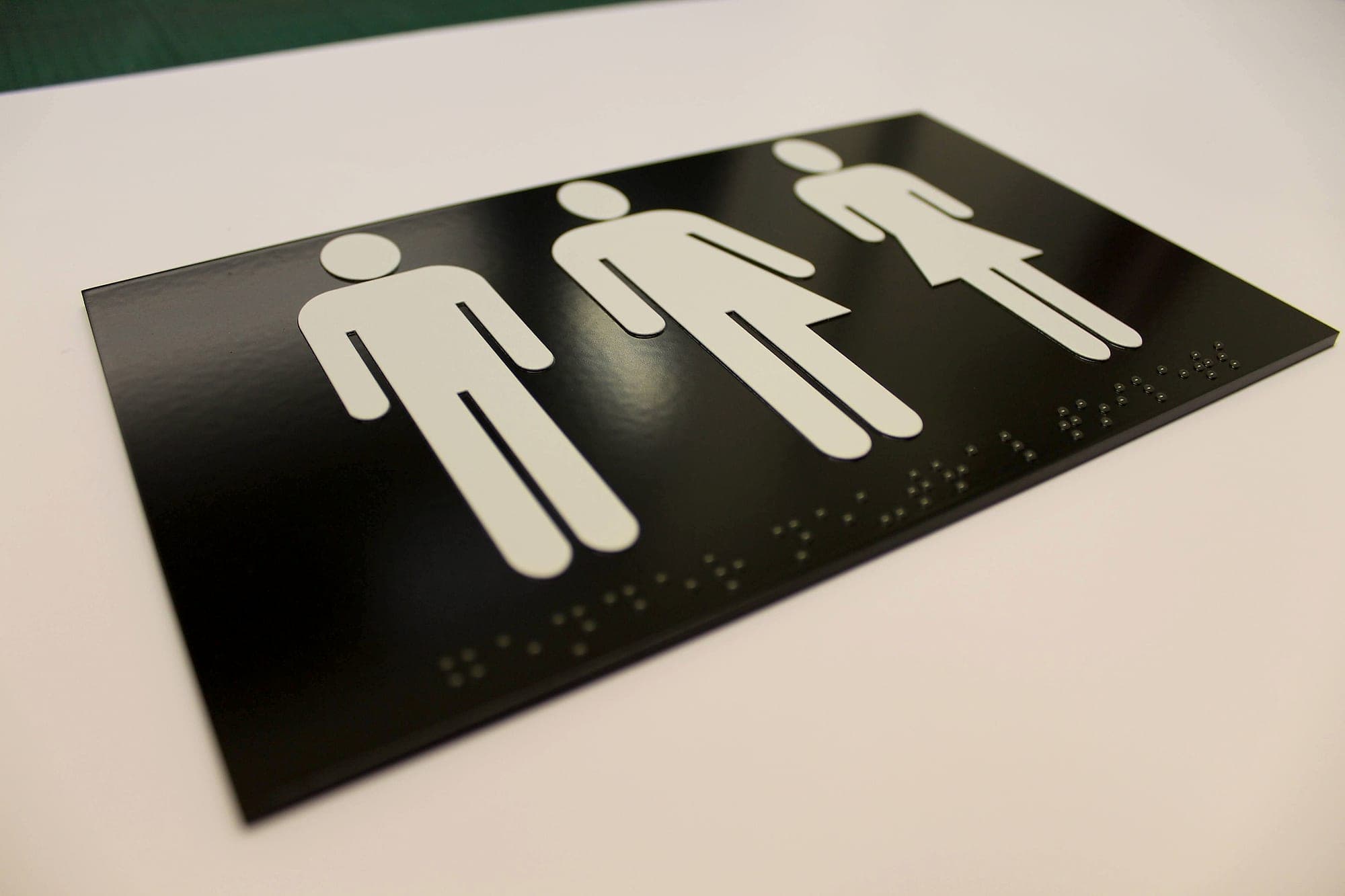
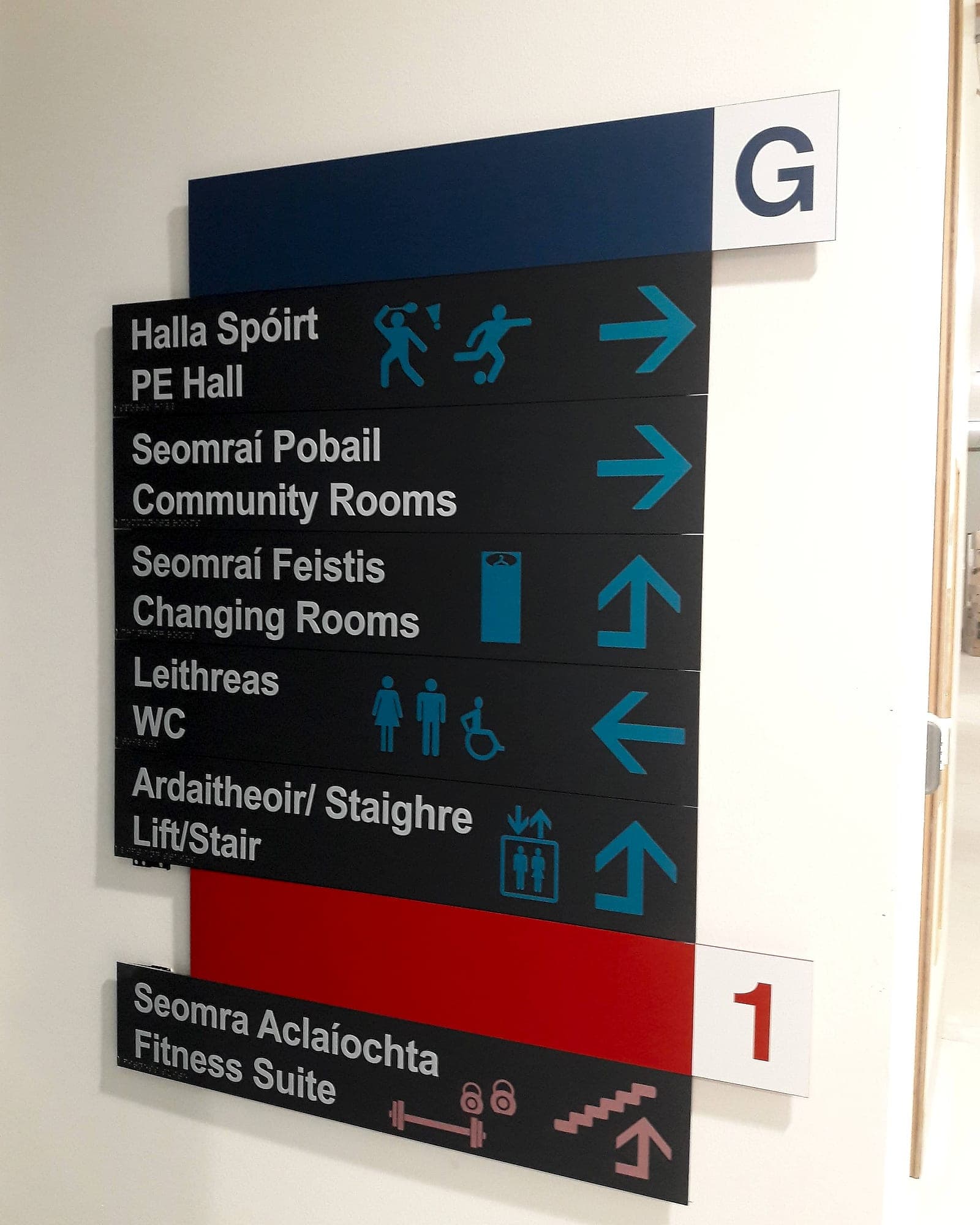
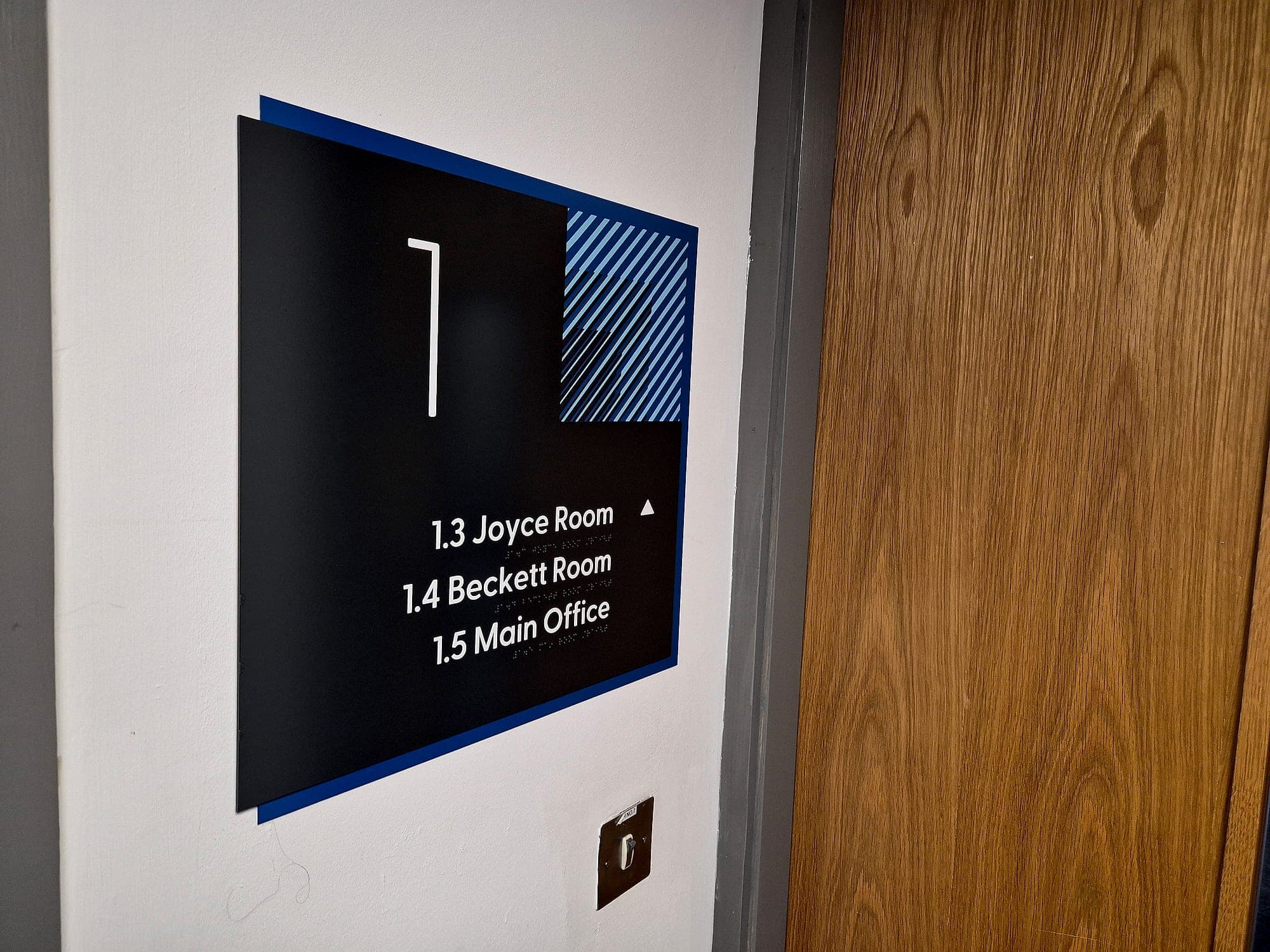
No Irish or UK requirement recognises a digital marker as a replacement for anything. Part M of the Building Regulations and its Technical Guidance Document set the accessible-signage baseline: legible type, adequate visual contrast, tactile characters and braille at key locations, and mounting heights that work seated and standing. BS 8300-2 carries the design detail behind it. Where the Official Languages Act applies, the physical sign still has to carry Irish and English with equal prominence, and a marker serving thirty languages doesn't discharge that duty. Treat it as one more channel in a multi-sensory system, and never as a reason to specify less on the wall.
- ~12 m
- read distance the developer publishes for a standard 20 cm marker
- 160°
- detection angle: the marker works off to one side, not only head-on
- 0
- compliance credit: no Irish or UK standard accepts a code in place of tactile and braille
Where a marker earns its place
- Entrances and reception desks, the hardest point in any journey to resolve without asking a stranger.
- Lift lobbies and stair cores, where orientation is lost on arrival and the useful fact is which floor this is.
- Long, featureless corridors, where the next decision point is well beyond the reach of a trailing hand.
- Transport interfaces such as bus stops, drop-off bays and platform edges, where the useful information changes by the minute.
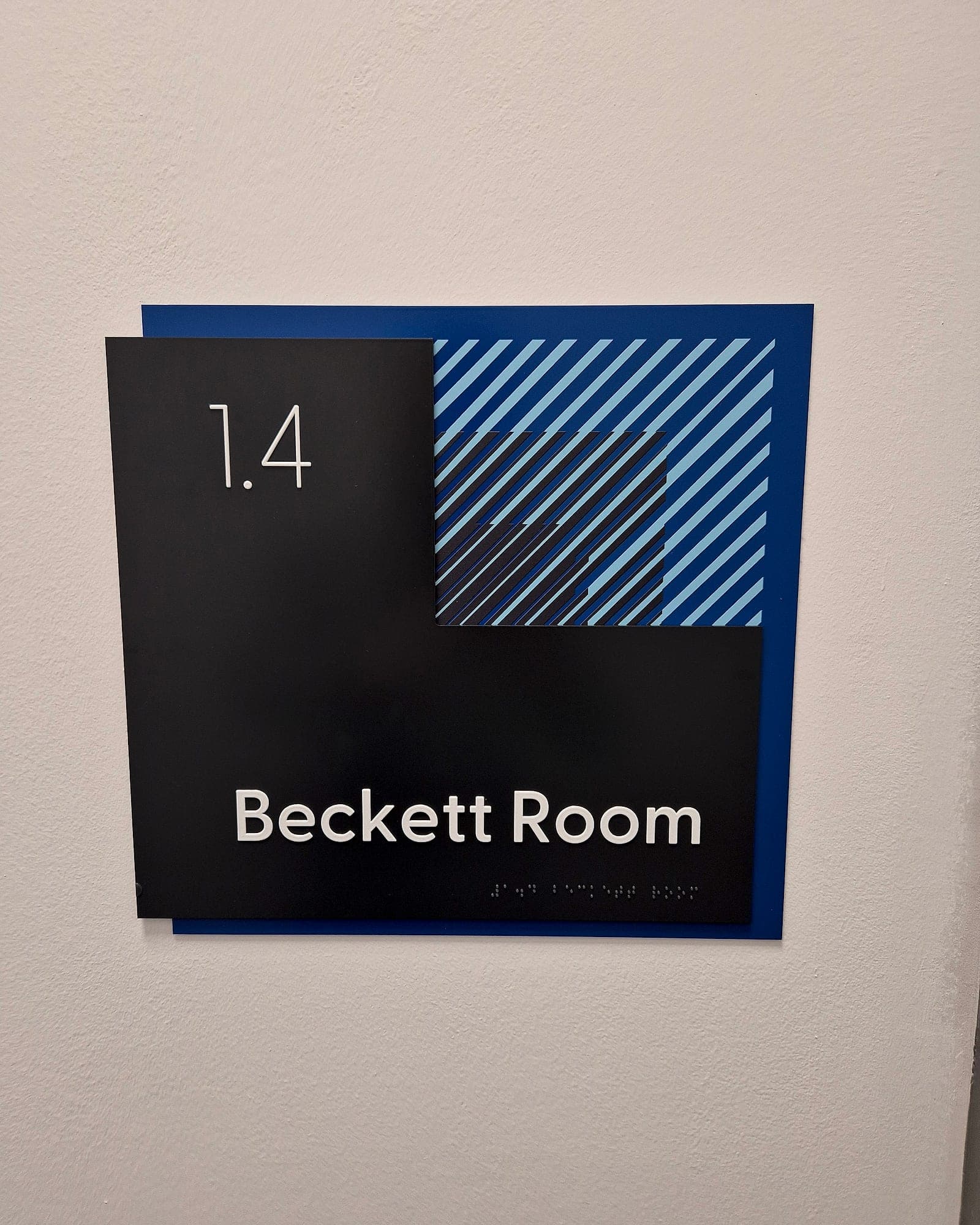
- Doors already carrying tactile and braille, as a second reading at distance. The plate still does its job at arm's length.
What we ask before specifying it
- Who owns the content after handover? The marker is permanent; the words behind it are not. Someone in facilities has to hold the login and the habit.
- How is it printed? Colour accuracy is the whole mechanism, so use the licensor's colour specification on a matt finish. A glossy laminate under downlighters can wash a tag out entirely.
- Where does it sit? Unobstructed, at a sensible height, with a clear sightline down the approach. A marker behind a planter is a marker that does not exist.
- What happens when the room changes? A content edit is minutes; a replacement panel is a site visit. Decide which the estate can sustain.
- What does the licence cost across the building's life? It's a ten-year question, and it's the test we apply to any digital wayfinding layer.
The honest limits
It needs a smartphone and the confidence to use it, and a large share of people living with sight loss are older and do neither. Coverage is only as good as the estate: half a building tagged is worse than none, because it teaches people to expect a marker that is not there. And no code rescues signage that's undersized, badly placed or low in contrast. Low-vision wayfinding is mostly a contrast, size and position problem, solved on the wall long before anything is asked of a phone.
If you're weighing a digital layer for a building still in design, decide before the sign schedule is fixed, because markers want the same sightlines as the signs themselves. We can survey what you have and tell you honestly where it would help: see accessibility audits, or talk to us.
Planning a wayfinding project? Talk early, while the big decisions are still cheap.