
Digital building directories that stay correct
A directory is a list with a screen attached. Whether it stays right depends on who owns the list, not on what you paid for the display.
A digital building directory is a screen in a lobby, at a lift core or beside a reception desk, listing what is in the building and where to find it. Whether it works has almost nothing to do with the display and almost everything to do with whether the list behind it is still true. In most buildings we walk into, it isn't.
We design and supply static directories and we specify the digital layer over them, so we have no reason to sell a screen and no reason to avoid one. Read what follows with that in mind: we supply the panels. What we see over and over is a good display carrying a list that stopped being accurate in month fourteen, in a building where everyone has gone back to asking at the desk.
Why the digital directory in your building is already out of date
Staleness is a handover failure, and it happens the same way every time. The directory is commissioned by a fit-out contractor whose contract ends at practical completion. The content-management licence sits with an integrator nobody in the building has met. The one facilities officer who knew the password moved on. A department relocates in July, tells the switchboard and the website, and never thinks about the lobby, because the lobby has never asked anything of them.
You end up with a display that is worse than no display at all. A printed panel two years out of date at least looks two years out of date, and people discount it accordingly. Nobody discounts a bright animated screen, so it sends the visitor confidently to the wrong floor.
A directory is a list with a screen attached, and it is the list that goes wrong.
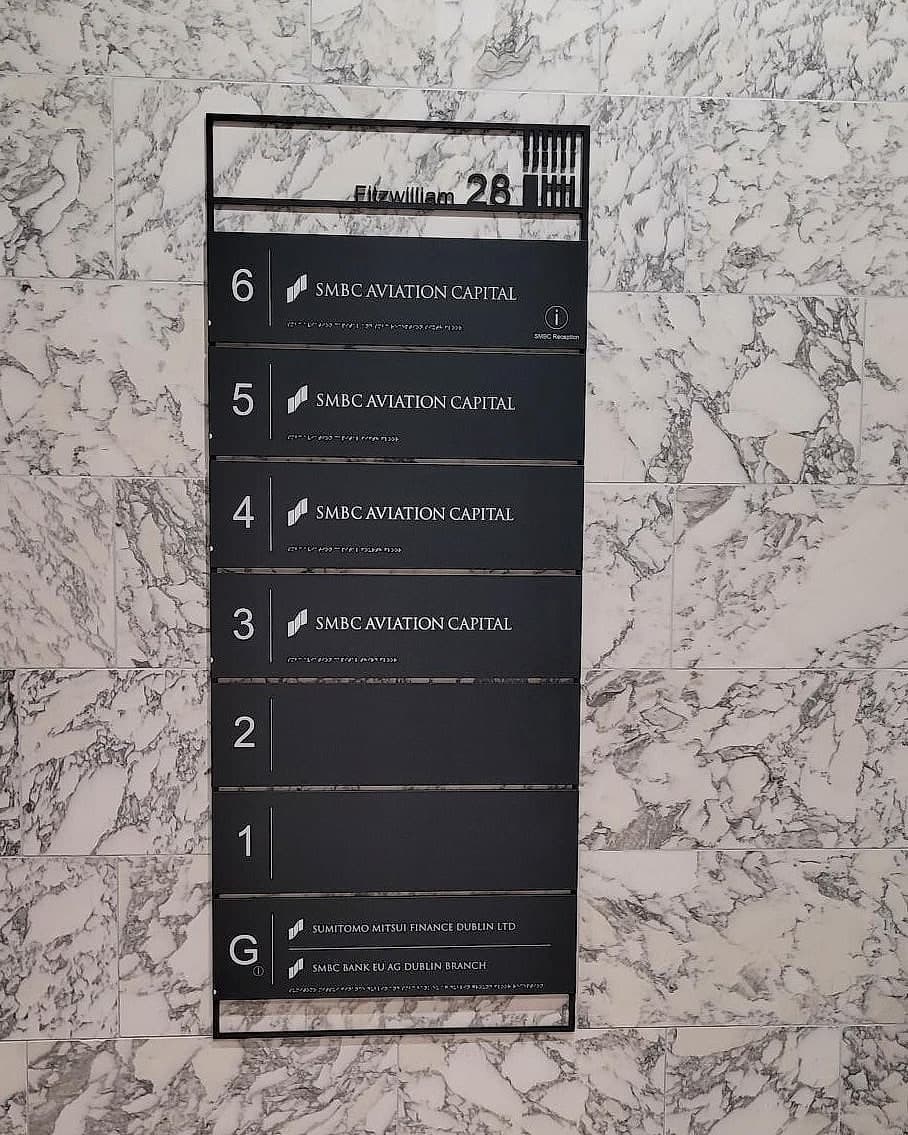
Content ownership is the specification
Before hardware, before mounting details, before anyone draws a lobby elevation, three things have to be named in writing. Who is responsible for what the directory says on a Tuesday in March. Which system the list comes from. And how quickly a change has to appear once it has been agreed. A project that can't answer those three isn't ready to buy a screen. It's ready to buy a panel with changeable parts, which fails far more gracefully.
The strongest arrangement we see is dull and it works. One named role in the estates or facilities team owns the directory content. Changes are made in the source system. The display is checked against the building on a fixed cycle, usually on the signage maintenance walk a large estate should be doing anyway. Where ownership sits with a committee it sits with nobody, and the list goes stale inside a year. Most lobbies we get asked about don't need a screen at all. They need a panel one person can change without ringing an integrator.
Feed it from the room data you already have
Every building of any size already holds a room list, whether in a space-management or CAFM system, a room-booking platform, or the room schedule that came out of the model at handover. That list is the honest source of truth, and a digital directory should read from it. Keep a second copy beside it and the two will diverge. The divergence stays invisible until a visitor is standing in front of both.
Which makes room naming the real prerequisite. One name per place, agreed once, used by the appointment letter, the website, the booking system, the screen and the door. Where a client keeps room codes for maintenance and plain names for people, both belong in one record, code as key and name as label, so that screen and sign each draw the field they need. It's the same discipline that lets a sign schedule come out of the model.
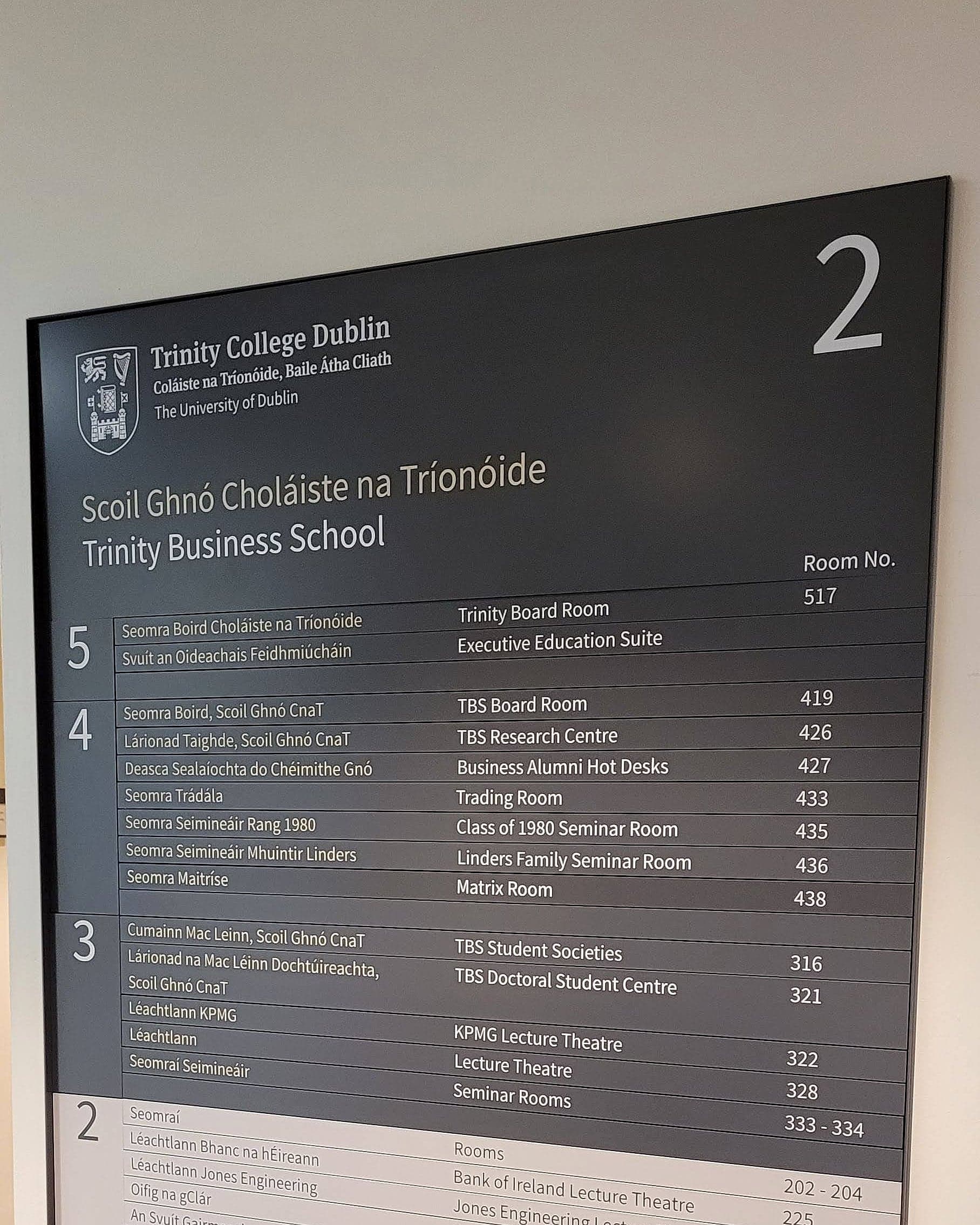
The failure to avoid is a directory that says "Innovation Space" while the door says 1.24. Two authorities disagree and the visitor trusts neither. Fed from the wrong list, a screen simply publishes the contradiction at 400 nits. A fabricated panel like the one we delivered for Trinity Business School obeys the same rule less forgivingly, since it is only ever as good as the schedule it was set from. So we set our panels from the client's own room data. Nobody here retypes a room list.
Split the panel by how fast each line moves
Static or digital is the wrong question. Ask instead which lines on this directory change, and how often. Levels don't move. Neither do cores, stairs, lifts and toilets, and apartment and room number ranges hold for the life of the building. Tenants, departments, clinics and today's programme all move, at wildly different speeds.
So build the panel to match. The permanent lines go into fabricated construction, where they can carry raised characters and braille and will still be correct in ten years. The volatile lines go into a changeable component: modular slats lifted out of a side channel, cassette inserts behind a face, a tenant strip that is its own part. Where they genuinely change weekly, they go onto one well-sited screen at the point of arrival. We mark that split in the destination schedule before anything is drawn, because engineering a line to be replaceable costs nothing at design stage and rescues the whole panel later.
Done that way the screen has a job worth doing, and it does one thing no fabricated panel can: it carries today. A ward list that changes at the morning handover, a lecture timetable, a conference programme that moves at eleven. We don't pretend a printed slat can follow any of that. What the screen sits over is a static system complete on its own, still working when the display is black. We set out the wider economics of the trade in digital wayfinding.
What a screen cannot carry
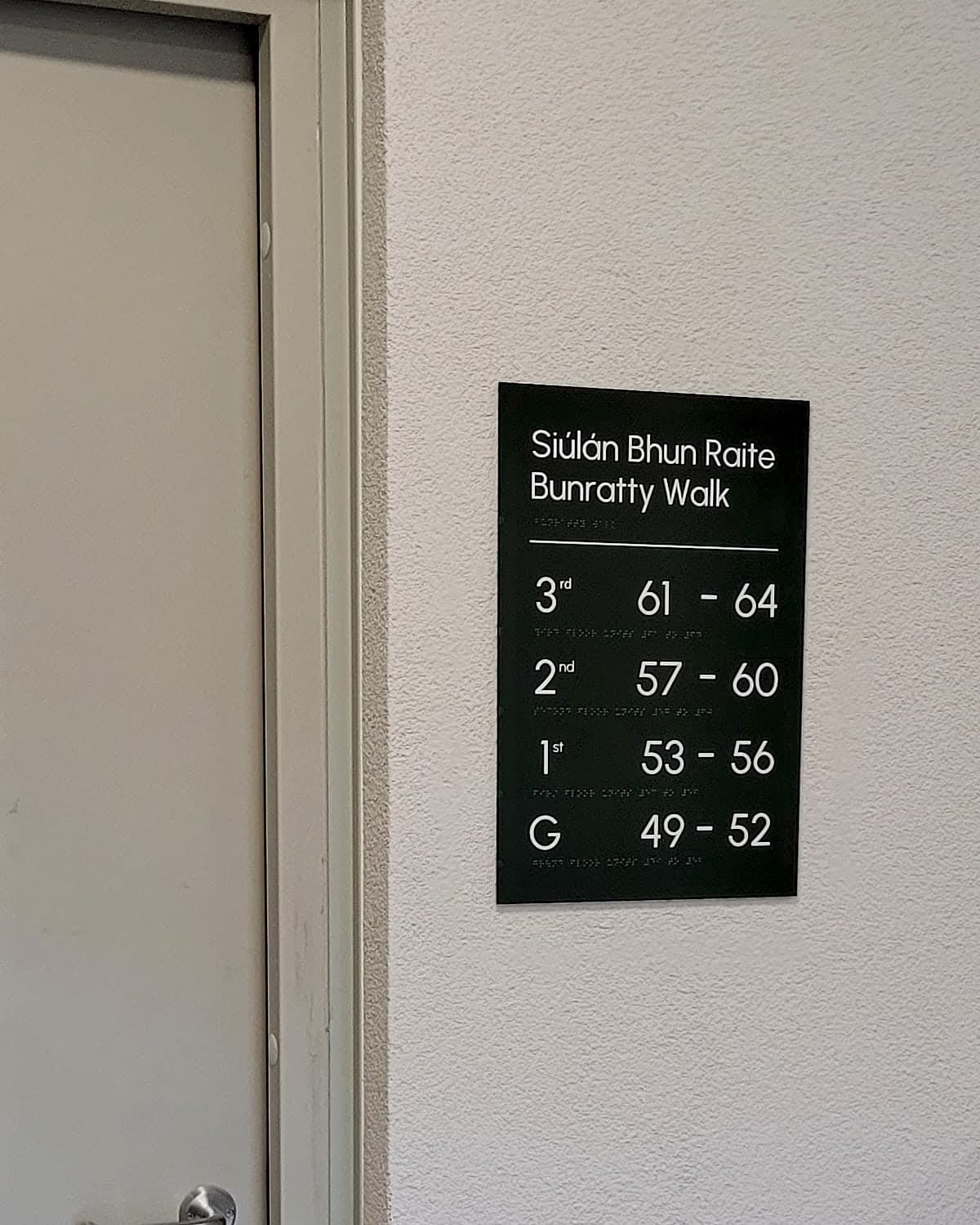
Part of a directory's job isn't negotiable, and glass can't do it. Technical Guidance Document M asks that signage be as clear and concise as practicable, and that key location information, directories and orientation signs among them, also be provided in tactile form where it is within reach: embossed characters, symbols, braille. BS 8300-2 is the practice behind that, and it's what our panels are built to by default. A touchscreen offers a person with low vision nothing to read with a fingertip.
The rest of the statutory baseline is similar. In a public body, Irish and English both appear, permanently and at equal prominence under the Official Languages Act. One pane of a rotating carousel doesn't do that. Escape-route signage under TGD B has to stay legible when the mains are gone, which is why it's photoluminescent or fed from the emergency supply; a screen at that moment is a black rectangle. And in England, residential buildings above 11 metres must now carry floor and flat identification that firefighters can read in poor visibility, a duty we look at in the 11-metre regulations. None of that is content you can push to a screen. It's fabric, and it belongs on a wall.
Here's the test we'd put to any directory, digital or not. Walk in cold, read it, then walk to the third thing on the list. If the door disagrees with the panel, the problem was never the hardware. If you're specifying a lobby now, see how we handle the digital layer over a static system, or talk to us while the room list is still being written.
Planning a wayfinding project? Talk early, while the big decisions are still cheap.