
Digital wayfinding: when dynamic beats static
A screen is a different tool from a sign, with a different bill attached. Where digital wayfinding pays for itself, and where static still wins.
Digital wayfinding means using screens and connected displays to carry navigational information that changes: lobby directories, room-booking panels, arrival boards, mobile maps. It is a second layer, laid over a static system that still has to be complete underneath it. A screen pays for itself in one situation only: where the information moves faster than a panel can be remade.
We design, supply and install both, which is a useful place to argue from: no reason to sell you a screen, no reason to talk you out of one. And what we see, over and over, is the decision taken back to front. The display gets specified first. What it will actually say is left to whoever inherits the building, and two years on it's showing the wrong tenant list, or a clock, or nothing at all.
What digital wayfinding actually covers
The term covers five quite different products with five quite different justifications. Lumping them together is how budgets go wrong.
- Lobby and tenant directories: a screen doing the job of a printed schedule of who sits on which floor. See digital directories for where these pay for themselves.
- Room-booking and door panels: small displays at the door showing what is in the room now and next, usually fed from the calendar system.
- Event and schedule boards, in conference centres, lecture buildings and hospitals running clinic lists. Content that is different by the hour.
- Interactive kiosks and touch directories: route-finding on demand, sometimes with print-a-route or send-to-phone.
- Mobile and indoor positioning, the app layer, and the one most likely to be commissioned, launched and then abandoned. We covered it in smart wayfinding.
Only the first three are wayfinding in the strict sense. They tell someone where a thing is. Kiosks and apps are navigation services carrying an adoption problem of their own, because a visitor who is already inside your lobby and already late is not going to download anything. Treat them as separate procurements, with separate business cases.
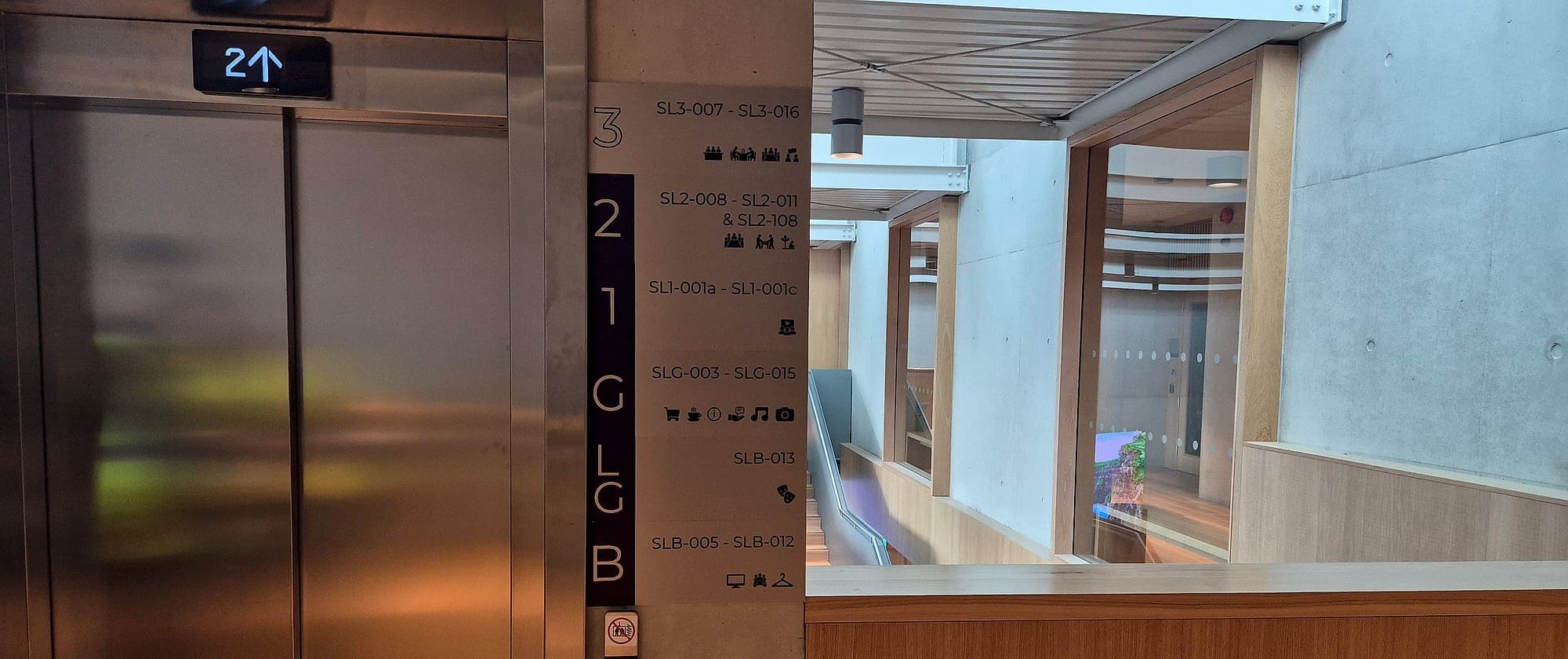
The only test that matters: how often does the content change?
A printed or fabricated panel costs what it costs, once. A screen costs the hardware, the mount, a first-fix power and data run to one specific point on one specific wall, a content-management licence, somebody's time every week, and a replacement in five to seven years when the panel dims or the media player stops being supported. None of that is an argument against screens. It's an argument for putting them where the information actually moves, and nowhere else.
The rough threshold we use with clients is quarterly. If the content changes less often than that, a well-designed static system with a changeable component will be cheaper over a ten-year life, easier to read and far less likely to fail. Weekly or daily, and a screen starts to pay. Hourly, and nothing else will do.
A screen is a subscription. Budget it like one.
There is a second cost that never appears in the tender: the carousel. A display cycling through four panes is showing the wrong pane three-quarters of the time, and your visitor arrives at a random point in the loop. A static panel has no loop. Every destination is there, permanently, and the eye picks out the line it needs. Put the things that change on the screen. Leave the things that simply exist on the wall.
Where screens earn their cost
Set against all that, there are places where dynamic content is the only workable answer. They share a pattern: the information comes out of another system entirely, and it's already out of date by the time a panel could be remade.
- Multi-let offices with real churn. A building letting six floors to nine tenants on rolling leases will reprint its directory every few months. A screen removes that reprint, and the fortnight of lag that comes with it.
- Conference, event and lecture venues. Rooms that carry a different session every ninety minutes. No static system can follow that, and taped A4 in a poster holder is what happens when you try.
- Clinic lists and appointment calling. Healthcare is the clearest case for dynamic content: which clinic is running in which suite today, which number is being seen now.
- Live status. Lift out of service, wing closed for works, entrance moved for a fortnight. Put the temporary message on the screen so the permanent signage never has to carry it.
- Arrival and transport information. Departures, shuttle times, car park capacity: data generated elsewhere and only displayed here.
Where static still wins, which is most of the building
Almost everything a person reads while moving belongs on a wall. Room and door identification, floor and level identification, directional signs at junctions, escape routes, accessible facilities: all of it gets read at a glance, from an angle, in a hurry, and often by someone who wasn't looking for it. For that job a backlit rectangle is a worse instrument than a matt panel with 30 points of contrast on it.
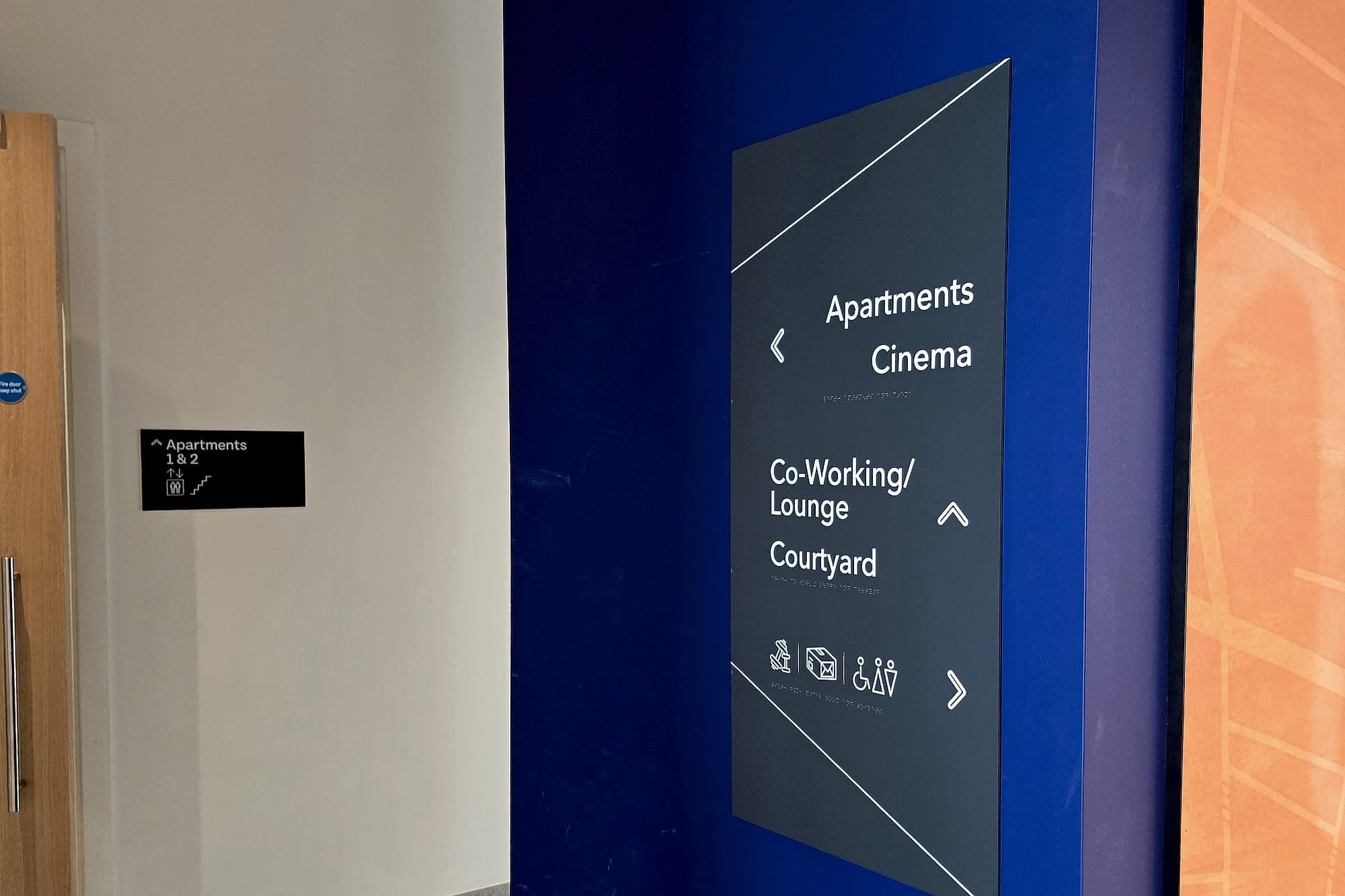
There is also a compliance floor a display cannot reach. TGD M sets the access requirements for buildings in Ireland and BS 8300-2 is the practice behind them: raised characters you can read with a fingertip, braille beneath, mounted where a hand can find it. Glass offers none of that. Fire and escape-route signage under TGD B has to be legible when the building is dark and the mains are gone, which is why it's photoluminescent or fed from the emergency lighting; a screen at that moment is a black rectangle. Safety pictograms follow ISO 7010 so they read the same way to someone who has never set foot in the building. And in a public body, Irish and English both have to be present, permanently, under the Official Languages Act. Not on rotation.
Then there's the maintenance tail. Forty screens across a campus is forty things that lose their feed, forty firmware updates, forty warranties expiring in the same quarter. Forty fabricated panels do nothing at all for a decade, which in a building is the highest compliment available. Estates will judge your digital layer by how much of their week it costs them, and they'll have made their minds up inside a month of handover.
The middle ground most buildings actually need
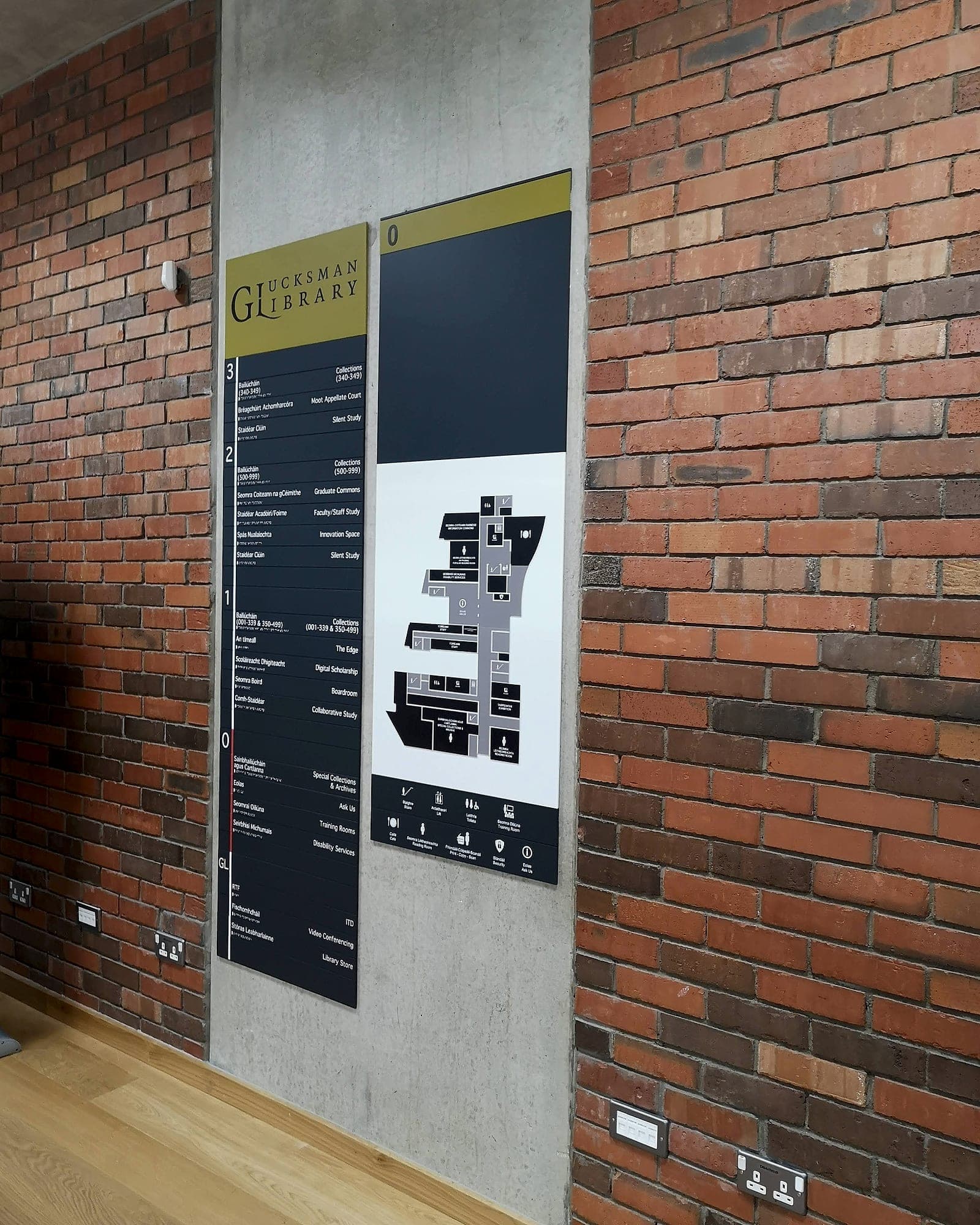
The choice is rarely fixed panel or screen. For a directory the best answer is usually static construction with a changeable component: modular slats that lift out of a side channel, cassette inserts behind a face, magnetic tenant strips, a printed insert holder inside a fabricated tray. Change a department name and you change one slat. Same day, no electrician, no licence, no lag.
That has to happen on the drawing. When we build a destination schedule we mark which lines are volatile and which are permanent, then engineer the panel so the volatile lines come out as separate parts. Costs nothing at design stage. Saves the whole panel later, the first time a department gets renamed.
The same logic scales up: most buildings are sold more screens than they will ever have the staff to feed. The honest answer is usually one. A single well-sited display at the point of arrival carrying today's variables, the clinics running, the rooms booked, the lift that is out, with a complete static system doing everything else from the entrance to the door handle. One screen is one content job, one power run, one thing to fix. Twenty screens is a small IT estate that nobody was hired to run, sitting on top of signage you had to install anyway.
A screen inherits the naming, or it makes things worse
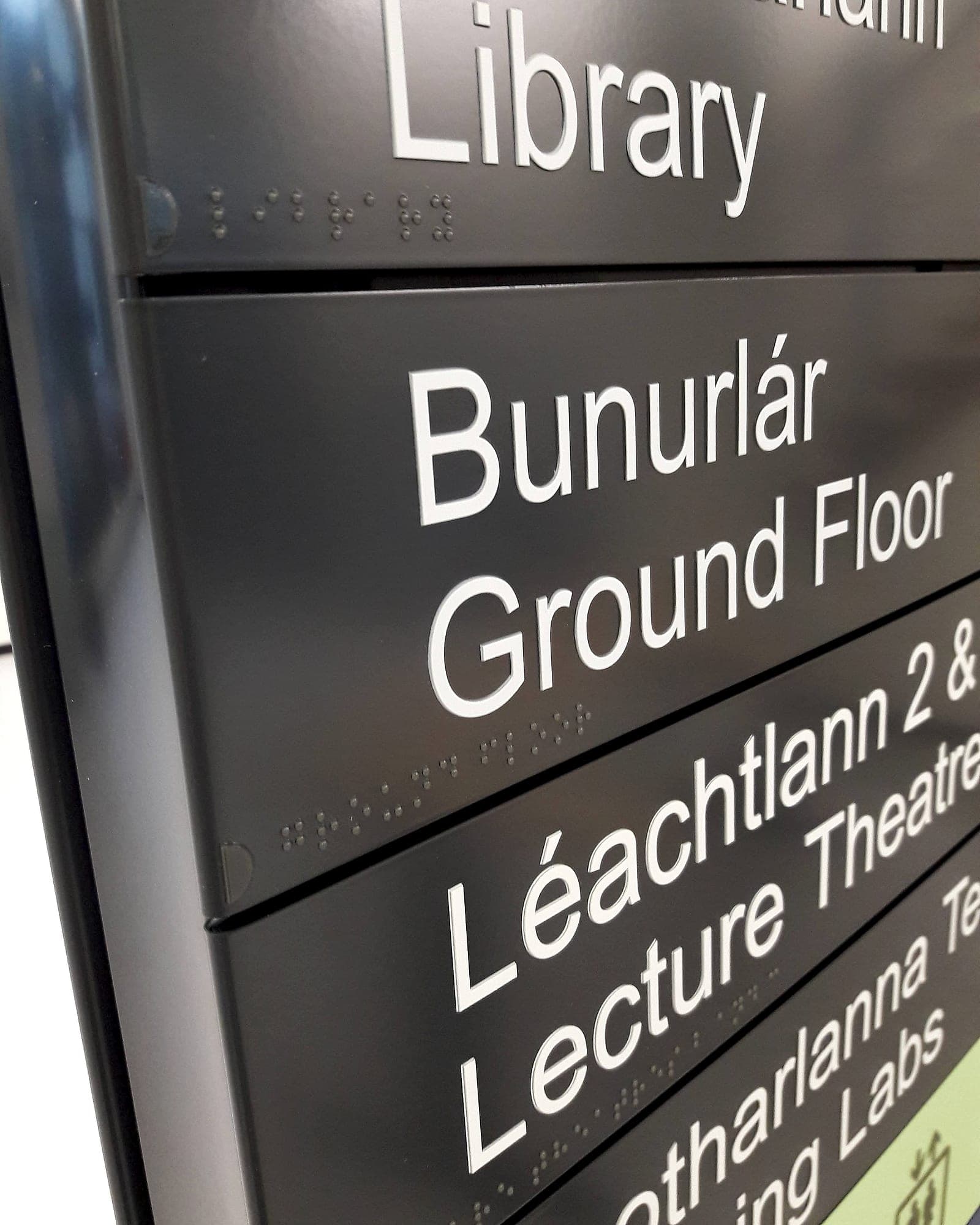
The most common failure in digital wayfinding has nothing to do with hardware. The screen is fed from one system and the doors were signed from another, so the display says "Innovation Space" and the door says "1.24". Your visitor now has two authorities disagreeing with each other and trusts neither. Every screen has to be driven from the same naming and the same hierarchy as the physical signage, which means the room naming work has to be finished before either one is procured. Get it wrong and the screen becomes an expensive way to publish a contradiction, and the naming work happens later anyway, with the panels already on the wall.
The discipline is the same one that makes a static system work: one name per place, agreed once, then used by the letter, the website, the room-booking system, the screen and the door. Where a client already runs a booking platform, that platform's room list is usually the honest source of truth. We take the sign schedule from it and resist the temptation to start a second list alongside.
- 10 yr
- warranty behind the signage we supply and install: the life a screen's replacement cycle has to beat
- ~20%
- saved when one supplier carries the scheme from design to installation
- 0
- escape-route signs a screen may replace: they have to stay readable when the power is gone
Specifying digital wayfinding without regret
When a screen is the right answer, most of the risk sits outside the hardware schedule. Six things we ask a design team to fix on paper before anything is ordered. Left open, they are what turns a good idea into a dark rectangle in a lobby.
- Name the content owner before you name the hardware. If nobody in the building is contractually responsible for what the screen says on a Tuesday in March, do not buy the screen.
- First-fix the power and data to the exact mounting point and height, agreed against the sign schedule. Retrofitting a spur into a finished lobby wall is the expensive part.
- Specify brightness and anti-glare against the real light conditions. A screen opposite a glazed entrance needs a different panel from one in a corridor.
- Keep the static system complete on its own. Every screen should be able to fail without stranding anyone; the building still has to work when the display is black.
- Budget the whole life: licence, content time, spares and replacement, not just the display. Compare that honestly against a slatted panel and a maintenance call-off.
- Commission the fallback. Ask to see what appears when the feed drops. If the answer is a media-player error screen, that is what your visitors will eventually be reading.
Laid over a static system that is already complete, compliant and correctly named, a digital layer is genuinely useful. Used as a substitute for wayfinding design, it's a very bright way to be lost. If you're weighing the two on a live project, read our side-by-side on digital versus static signage, see how we handle the digital layer under digital wayfinding, or talk to us before the screens are ordered.
Planning a wayfinding project? Talk early, while the big decisions are still cheap.